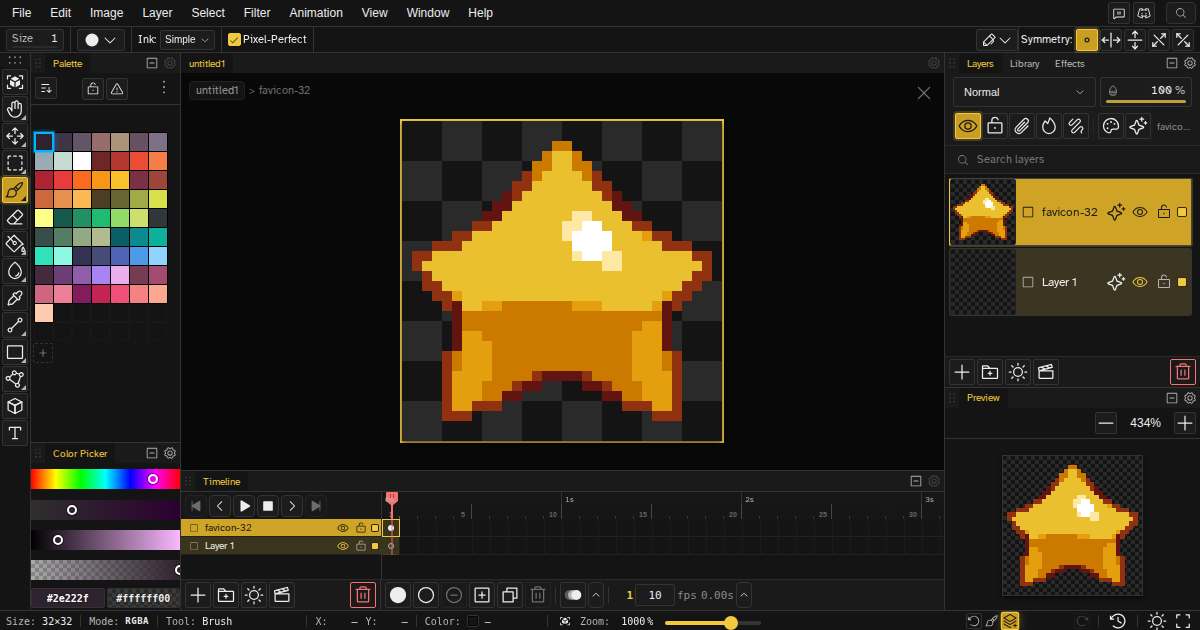
Novaboard - pixel art editor
Novaboard - Free Browser Pixel Art Editor v0.8.0
A web-based pixel art editor with an infinite canvas. No downloads, no account needed. Just open and start creating.
What is it?
Novaboard is a pixel art editor that runs entirely in your browser. It's built for game devs, pixel artists, and anyone who wants to make sprite art.
Unlike traditional editors with fixed canvases, Novaboard gives you an infinite workspace where you can organize all your sprites, characters, and tilesets in one place. Think of it like having a giant desk where you can spread out all your work.
A special thank you to:
@mostlydecent for his CC-0 walk animation that is currently used as the example file in Novaboard https://mostlydecent.itch.io/8-frame-walk
Remember to rate the App!
Rate Novaboard!
Features
Drawing & Editing
- Brush, pencil, eraser with adjustable sizes
- Bucket fill (contiguous and global)
- Shape tools: lines, rectangles, circles (outline or filled)
- Gradient tool with dithering support
- Selection tools: marquee, magic wand, lasso
- Transform: rotate, flip, scale, move
Animation
- Full timeline with frames and layers
- Onion skinning to see previous/next frames
- Frame tags for organizing animation cycles
- Real-time playback preview
- Export to GIF or sprite sheets
Layers & Organization
- Unlimited layers with groups
- Blend modes (multiply, screen, overlay, etc.)
- Lock and hide layers
- Opacity controls
Colors
- Built-in palettes (Pico-8, Sweetie 16, and more)
- Custom palette creation
- Color picker with HSL/RGB/Hex
- Eyedropper (hold Alt + click)
- Primary/secondary color swap (X key)
Import/Export
- PNG, GIF, Aseprite (.ase), PSD, ICO, ORA support
- Sprite sheet export with customizable columns/padding
- Multi-scale export (1x, 2x, 3x, 4x)
Other Stuff
- Symmetry modes (horizontal, vertical, quad)
- Pixel grid overlay
- Tile mode for seamless patterns
- Rulers and guides
- Customizable keyboard shortcuts
- Unlimited undo with branch history
- Works offline (PWA)
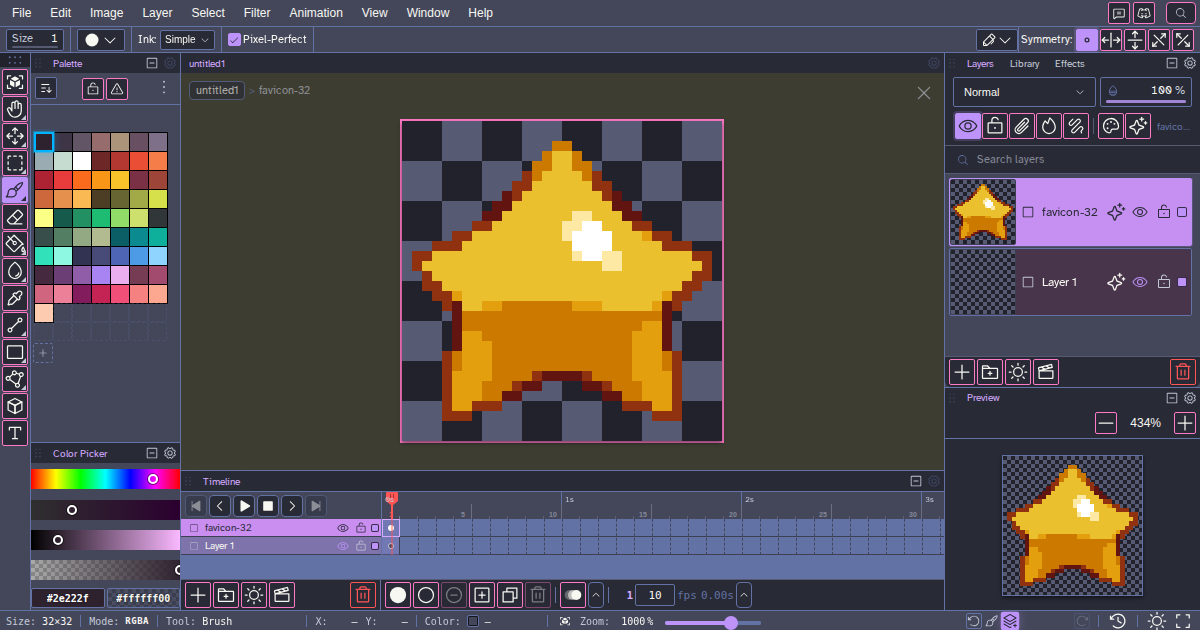
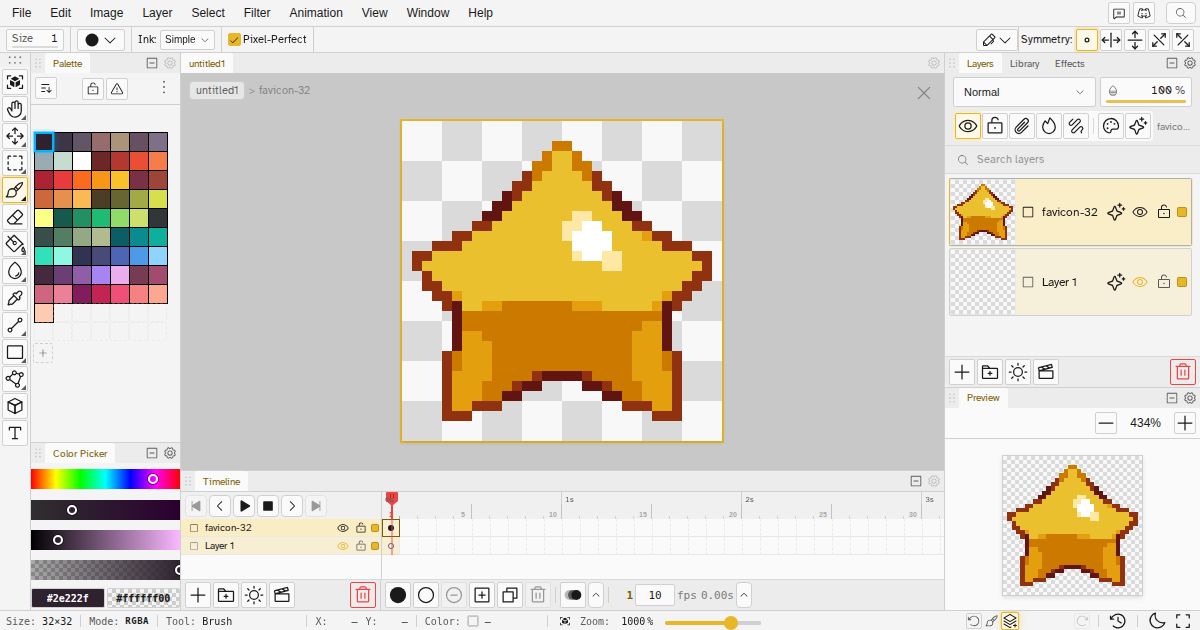
- Dark and light themes
Who's this for?
- Game developers making sprites, tilesets, and UI assets
- Pixel artists who want professional tools
- Students and hobbyists learning pixel art
- Anyone who needs quick access to a capable editor without installing anything
How to Use
1. Open the app here or go to https://novaboard.app/ in your browser
2. Start drawing
3. That's it
Your work saves automatically to your browser. No account, no cloud, no hassle.
Controls
Action - Shortcut
Brush: B
Eraser: E
Bucket Fill: G
Color Picker: I (or hold Alt)
Selection: S
Zoom: Scroll wheel
Pan: Space + drag
Undo / Redo: Ctrl+Z / Ctrl + Shift + z
Swap colors: X
Full list of shortcuts in the app (press ? or check the docs).
Technical Notes
- Runs in any modern browser (Chrome, Firefox, Safari, Edge)
- All processing happens locally - your art never leaves your device
- Works on desktop. Tablet and mobile coming soon
- No server required for editing (pure client-side)
---
The app is still in development, and there are definitely bugs!
We are looking for feedback to improve the tool, so any bug reports, suggestions, or complaints are welcome!
You can also help by rating the app on itch: Rate Novaboard!
| Updated | 2 days ago |
| Status | In development |
| Category | Tool |
| Platforms | HTML5 |
| Release date | 45 days ago |
| Rating | Rated 5.0 out of 5 stars (3 total ratings) |
| Author | marcel0ll |
| Tags | 2D, Animation, Aseprite, Drawing, Indie, Painting, Pixel Art, pixel-art-editor, Sprites, Textures |
| Average session | A few hours |
| Languages | English |
| Inputs | Keyboard, Mouse |
| Links | Homepage |
Development log
- Novaboard v0.8.0 - clip layer, i18n, better performance2 days ago
- Novaboard v0.7.0 - board rotation and more9 days ago
- Novaboard v0.6.016 days ago
- New version, new face v0.5.023 days ago
- Changelog - v0.4.129 days ago
- Changelog - v0.4.033 days ago
- Changelog - v0.3.034 days ago
- Changelog - v0.2.043 days ago


Comments
Log in with itch.io to leave a comment.
Awesome Tool Bro, but is there any Chance for a downloadable standalone Windows App to See the Light of day?For me personally this would be a proper reason to donate/purchase for novaboard :) best regards, love & peace
Hey, thank you! If possible, could you rate the app?
Yes, there is a big chance of having a downloadable version in the near future.
But for now, I will keep it web-only, as it is faster to iterate on new ideas and find good workflows for pixel artists and game devs, which will help differentiate from Aseprite and similar apps.
Broder i've been using it and so far it's working very well. I wanted to let you know that there's a problem with Ctrl+Z on duplicate frames. If I duplicate a frame, modify it several times, and then press Ctrl+Z to undo a line while making changes, it deletes the image created by duplicating the other frame. The modifications remain in the duplicated frame, but the image of the duplicated frame is lost.
Hey, thank you for letting me know. I am working on an update for tomorrow, and I will include a fix.
If possible, could you rate the app here? It helps a lot.
Fixed in version 0.3.0, which is out right now!
This is a delightful tool. The workflow is intuitive and cuts out the noise, focusing purely on high-quality pixel art creation. The branch history feature is a game-changer. Great job!
Thank you!